ShaunR
-
Posts
5,039 -
Joined
-
Days Won
313
Content Type
Profiles
Forums
Downloads
Gallery
Everything posted by ShaunR
-

Pyhton or C to do For Daq and DSP?
ShaunR replied to Mahbod Morshedi's topic in Calling External Code
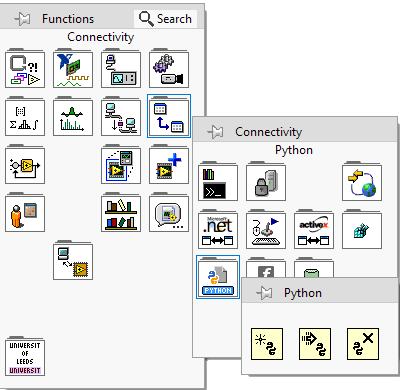
There are Python primitives that enable you to work with Python scripts; there is no Python Node like the Formula Node. Search the examples for "Python".
-
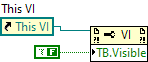
It's not under Front Panel. It's under Tool Bar. If you find your mind again, ask it to tell mine that I need it now.
-
Many moons ago I wrote a cloner for embedded devices. It basically dumped a device firmware image to an S-Record file which was then used to upload to other devices on the production line. Like Rolf said. It did enough to do the task for those devices and took a couple of hours to write the basic functionality - S-Records aren't a difficult format. It just started at an address and byte-copied chunks so only S3 was required for that (and the S0/9). I think you'll find that most people either knock up a quick utility like that or invoke the programmer utility. That's the Intel Hex format.
-
LabVIEW CLFN - pass bool pointer to function and change it value
ShaunR replied to Łukasz's topic in Calling External Code
I think the UA_Server_run function may just write the boolean state to the running parameter (an out parm). Difficult to say with the info given but Pointer To Value for "running" might be all that's needed. The static volatile "running" variable is a red-herring in that it is an application variable that would be in LabVIEW as would the stopHandler. If the server is stopped and started by toggling the boolean, then there is a serious problem with either the DLL that exports UA_Server_run or the OP's understanding of how it works. I wouldn't be surprised if there is a UA_Server_stop which we haven't been shown. -
Something I obviously don't understand about a Picture Control
ShaunR replied to Neil Pate's topic in User Interface
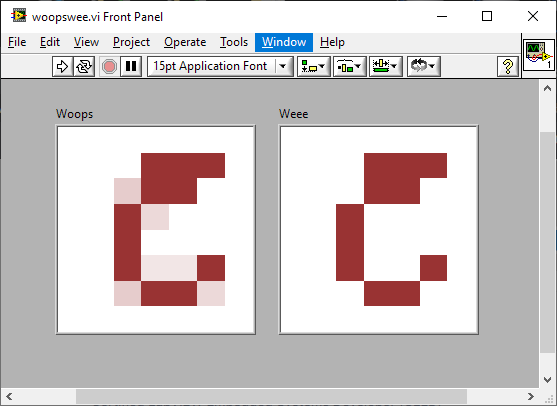
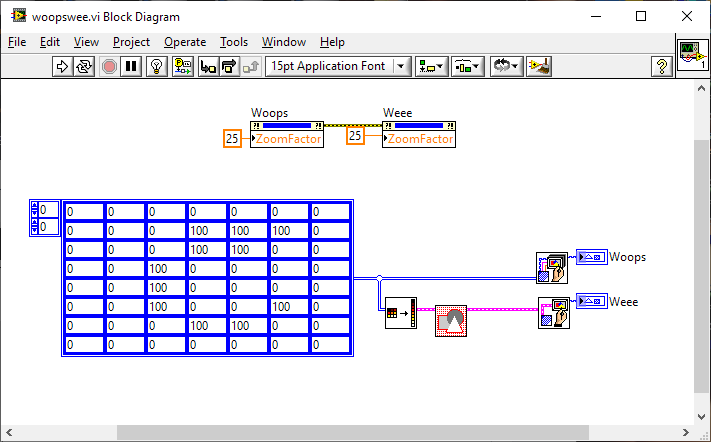
Yeah. If you want a clean image at zoom you'll have to mask it. woopswee.vi
-
Something I obviously don't understand about a Picture Control
ShaunR replied to Neil Pate's topic in User Interface
It is anti-aliasing because you have the zoom factor cranked up, right? Set the zoom factor to zero and get your magnifying glass out. -
LabVIEW Call Library Function Node - Union Pointer handling
ShaunR replied to Ryan Vallieu's topic in Calling External Code
StrLen doesn't allocate anything. It just scans the string until it reaches \00 and returns the length minus the \00 char. It does the same as your match pattern above if you were to look at the Offset Past Match (-1). With StrLen + Moveblock, you are finding how many bytes you need to allocate to hold a *copy*, then copying from s[0] to another location (the initialise array in the VI I posted). The memory of the source string you are copying must already exist, somehow, otherwise bad things happen. -
LabVIEW Call Library Function Node - Union Pointer handling
ShaunR replied to Ryan Vallieu's topic in Calling External Code
Ditto what Rolf said about corruption. Here's the PtrToStr VI with Rolfs suggestions. PtrToStr.vi -
LabVIEW Call Library Function Node - Union Pointer handling
ShaunR replied to Ryan Vallieu's topic in Calling External Code
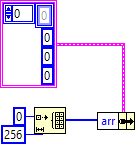
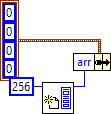
I think I may know what's going on here. char *s; /* If a string user is responsible for * allocating memory. */ The "v" in your cluster is actually a pointer to char so v in your cluster should be an array of bytes which *you* will initialise with n bytes. i.e. You have to create the pointer. The function obviously copies data into your string (byte array) which is why you have responsibility for allocating the memory, rather than the function allocating the memory and you copying the data into LabVIEW. So you are going to either something like this: or this What are you doing? The second one?
-
LabVIEW Call Library Function Node - Union Pointer handling
ShaunR replied to Ryan Vallieu's topic in Calling External Code
Yeah. Didn't think I'd get a definitive answer since size_t is only guaranteed to be greater than 15 bits. For MS it is UINT_MAX, which could be anything. The only way to know for certain is to test the compiled environment but even then it depends on things like if functions use 32 modular arithmetic. I don't think it can be resolved conclusively in LabVIEW but the choice is only unsigned pointer sized integer or a conditional case for target bitness. I guess you are alluding to the conditional for "most likely not to fall over in most circumstances" That's what they said about disk drives and look what happened -
LabVIEW Call Library Function Node - Union Pointer handling
ShaunR replied to Ryan Vallieu's topic in Calling External Code
Is that regardless of Application bitness? Should this be a unsigned pointer sized integer or is a more complex solution required to ascertain the OS (target) bitness? -
LabVIEW Call Library Function Node - Union Pointer handling
ShaunR replied to Ryan Vallieu's topic in Calling External Code
Are you sure you don't have a pointer to an array of strings? -
LabVIEW Call Library Function Node - Union Pointer handling
ShaunR replied to Ryan Vallieu's topic in Calling External Code
If you are tryin g to dereference a string pointer then try this. PtrToStr.vi -
From your project image you seem to have many conflicts. It's likely that you are picking up another version or VI's in a different location in your project. You need to resolve the conflicts before any troubleshooting can occur.
- 16 replies
-
- 2
-

-
- translation
- localization
- (and 2 more)
-
-
There's a UI User group over on the Dark Side. If you hunt through it there are a few UI's like Star Trek, Media Interfaces and iPhone simulations.
-
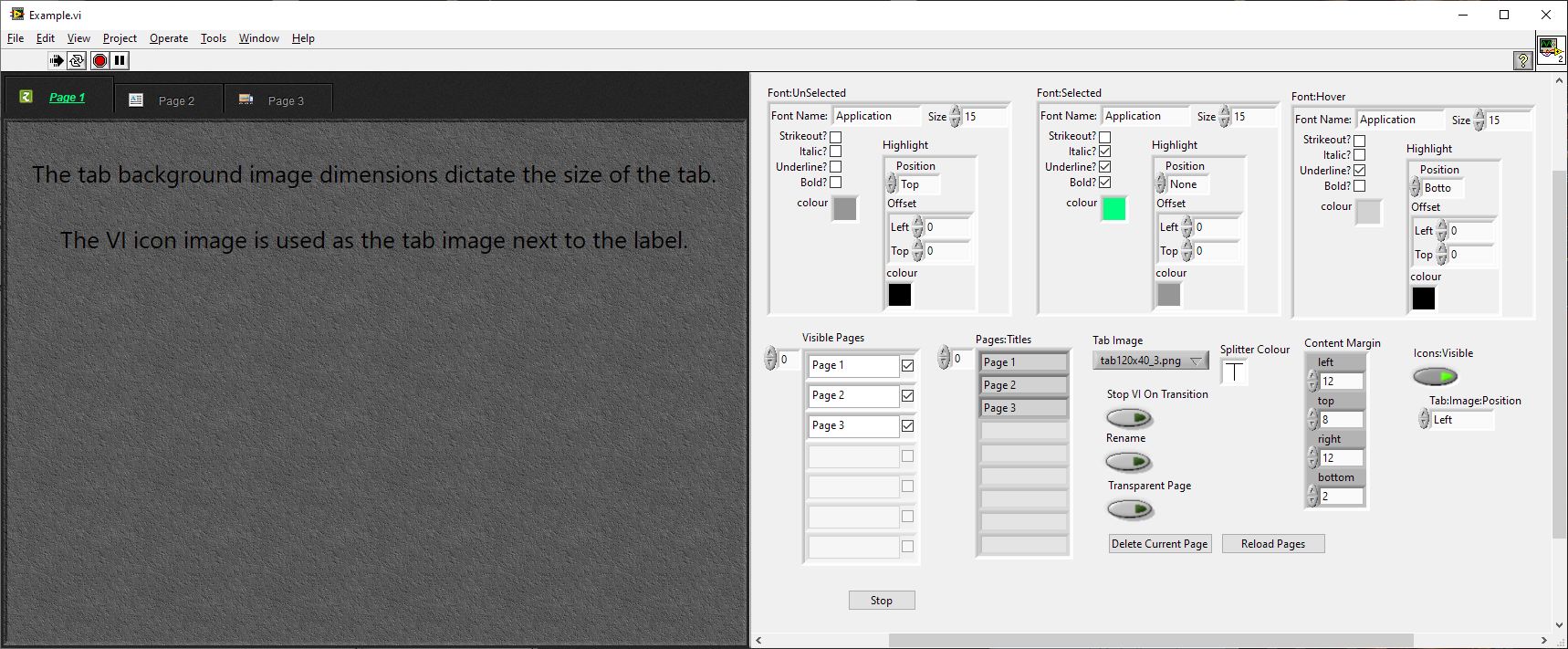
It seems the biggest problem you have is the axis grid colours. Try a dark grey! Splitters can't be placed on native tab controls-just one of the reasons we don't tend to use them. The other main reason is they make a mess of your main VI trying to control them. The tab xControl above uses VI panels (the tab panel is a subPanel which loads a VI when you click a tab) so you can use splitters on the pages and also means each page is self contained and doesn't pollute the main VI's event structure. It's things like you are highlighting which are the limitations of the LabVIEW UI. It's fairly easy to have nice graphics that make your Application look nice but as soon as you try to use it, the aesthetics generally falls to pieces. A lot of the time it's like in Windows 10 when you suddenly get a Windows XP dialogue when you've spent ages creating a theme... but worse. Really worry when your manager insists on all file dialogues being the same as the Windows 10 ones
-
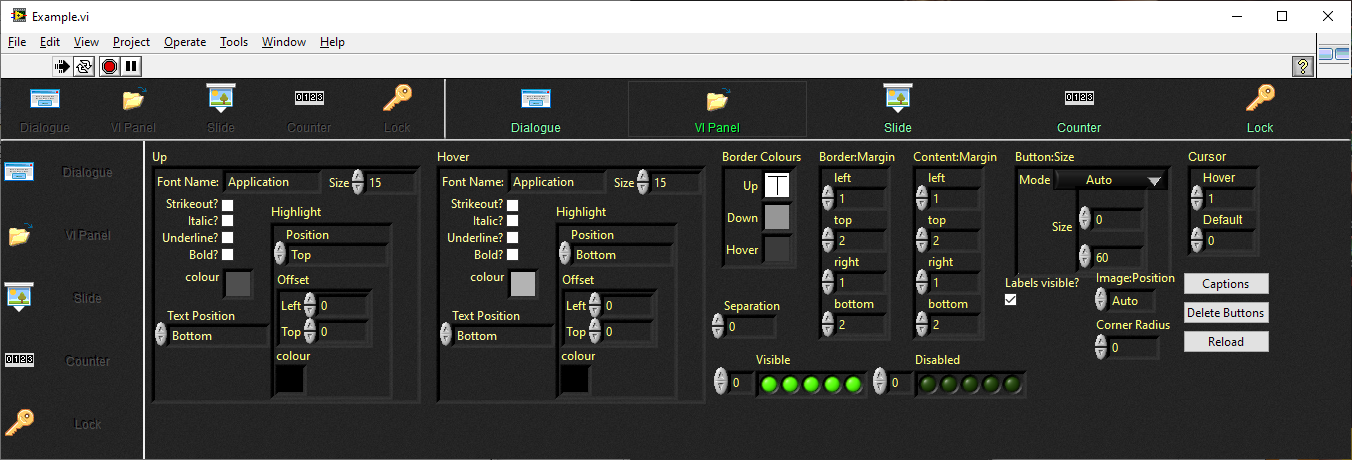
Splitters are your friend. This is one app that I've had for a while. Splitters are used to segregate the different sections and most controls are just default ones. There are no issues with maximising etc. The hard part is the button bars and Tab Bar which are actually xControls. (this is the example for the buttons bars xContol) (This is the example for the tab xContol) The most annoying for me is the things you said you don't care about. lol.
-
"The software you are refactoring had one and it is too costly to change the training materials". How's that? It is likely that a great deal of pressure had to be applied to even allow a rewrite and the manager probably had a hard time arguing for a budget to do it. Getting hot under the collar over a button isn't a hill I would die on. I would concentrate of making my life easier supporting it going forward than what it looked like-which was decided a long time ago.
-
The glib answer is that LabVIEW is a tool for engineers who generally prefer function over form. The actual reason is that the LabVIEW UI is limited, difficult and clunky to modify from the defaults. Just pop up a menu for example (no icons, can't change the background etc). The ability to create our own controls is also fraught with issues and extremely time consuming. The the only real option is XControls - which are a bit hit-and-miss. Give on-the-fly theme changing a go and you will quickly run into trouble with many controls. Making a pretty UI can double or triple the project time in some cases. There is also the subjective nature of "good looking". I hate the flat, monochrome icons that are all the rage, for example. What I may think is "cool", you may think is ugly.
-
I vaguely remember some beautiful UI's. It might have been a coding challenge since there were quite a few - can't really remember now. I just remember thinking "wow, I'd never have the patience for that, but that is awesome". Mine tend to be very utilitarian with the occasional lip-service to aesethics.
-
Lots of applications have an exit button in toolbars. They tend to be older since menu's became the preferred way to exit as not all applications had menus in those days. But historically test and automation were full screen, single purpose applications - often with touch screens - and it's hard to click a window button if there is no window titlebar.
-
Stop isn't to close an application. It is closer to a reset. It is to stop/terminate/curtail the currently executing task and return the application to a known state. The application is still running. The application is still initialised and the application is still in contact with devices. In desktop terms; a "Stop" is to an exit/close as an exit/close is to a reboot. Not all applications need a Stop button (think of things like Notepad) but if you have a Start button you will probably need a Stop button.
-
. Yes. If my muscle memory hadn't kicked in it would have been paltry.
-
ECL 4.0.0